
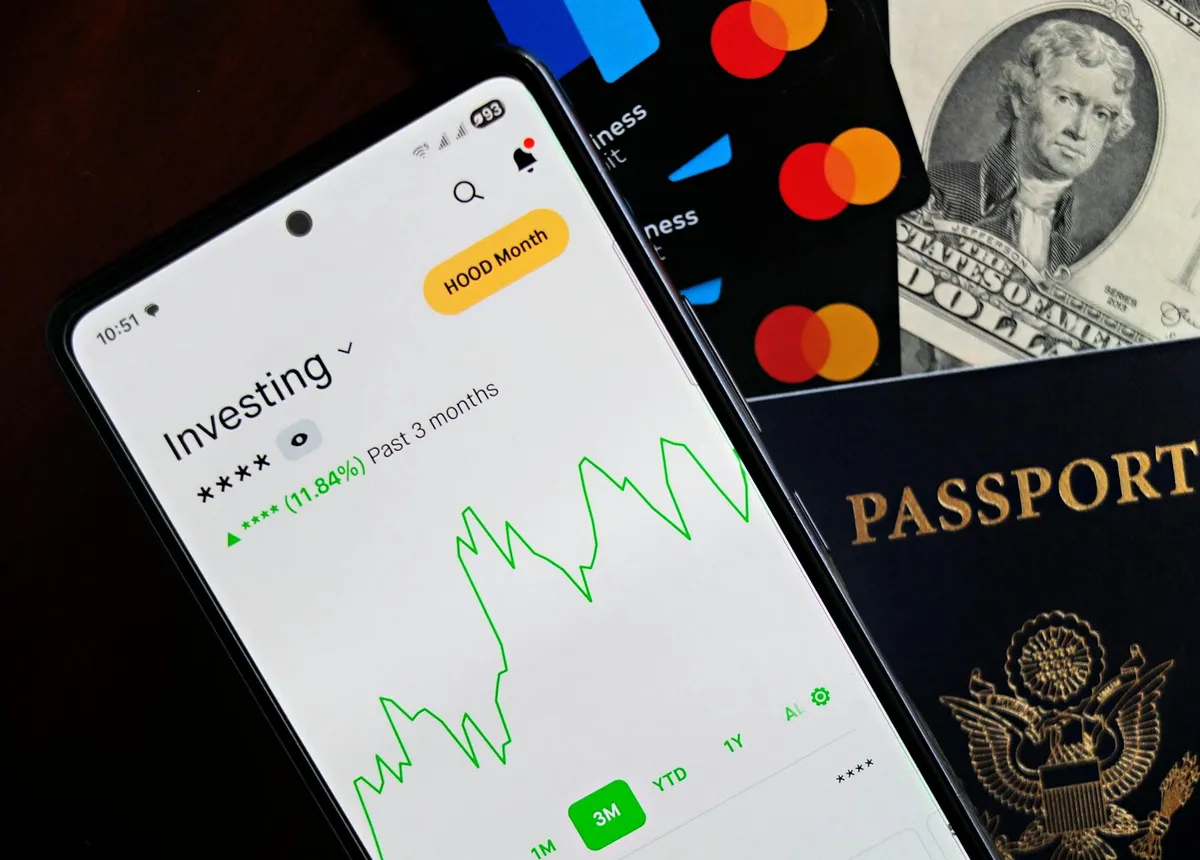
The money-saving app category is bloated with apps that don't produce results worth the engagement. Across years of testing, six apps have earned permanent space on my phone — apps I actually use regularly that produce real financial value. Here's what each does, what makes it earn its place, and what to skip in the broader category.
1. Mint or Monarch (budget tracking)
Personal finance tracking that aggregates accounts and shows spending patterns. Mint was the standard for years; Monarch has emerged as a strong alternative, particularly after Mint's changes.
What it does: shows where money actually goes. Categories, trends, budget vs. actual.
Why worth it: the visibility into actual spending patterns produces better decisions than spending without visibility. Most people are surprised by their actual spending patterns when they see them clearly.
Cost: Mint is free; Monarch is paid (~$15/month).
2. YNAB (You Need a Budget)
Different model than Mint/Monarch. YNAB requires active budgeting before spending; the app enforces the discipline of allocating every dollar.
What it does: structured budgeting with active engagement requirements.
Why worth it: for users committed to active budgeting, YNAB produces dramatic improvements in financial control. The active engagement is what produces the results; passive tracking apps don't produce comparable behavior change.
Cost: ~$15/month (substantial commitment for users who actually engage).
3. Rakuten (cashback)
Already covered in cashback article above, but worth noting in app context. The app version supplements the browser extension for in-store cashback.
What it does: cashback at participating retailers across online and some in-store contexts.
Why worth it: the savings are real and the engagement requirement is minimal.
Cost: free.
4. Ibotta (grocery cashback)
Already covered in cashback article. Worth noting separately in app context because the grocery focus is different from general cashback.
What it does: cashback on grocery purchases via receipt scanning or linked loyalty accounts.
Why worth it: regular grocery shopping produces consistent cashback. The cumulative across months is meaningful for households doing weekly grocery shopping.
Cost: free.
5. Privacy.com (virtual credit cards)
Generates virtual credit card numbers for online purchases. Not directly a money-saving app, but produces savings indirectly through subscription management and dispute leverage.
What it does: creates single-merchant or single-use virtual cards. You can terminate cards to force subscription cancellations or limit fraud exposure.
Why worth it: easy cancellation of subscriptions that make cancellation difficult. Reduces fraud and unauthorized charges.
Cost: free for basic tier; paid tiers add features.
6. The retailer apps for stores you frequent
Not a single app — but the category of retailer-specific apps. Major grocery stores, big-box stores, and specific retailers you visit regularly often have apps with exclusive coupons, loyalty integration, and digital coupon clipping.
What they do: retailer-specific savings that aren't available outside the app.
Why worth it: for regular customers, the in-app savings often substantial. The savings require the app engagement, but the engagement is small relative to the savings.
Cost: free.
What to skip in the broader category
Several patterns of money-saving apps to avoid:
- Apps that require constant engagement for marginal rewards. Daily check-ins, surveys, watching ads — the time investment usually exceeds the value.
- Apps with high payout thresholds and slow accrual. Rewards that take years to reach payable amounts often expire before being collected.
- Apps that prompt purchases you wouldn't have made. The "savings" are spending dressed up as savings.
- Apps with complex point systems obscuring actual value. When the math is hard to figure out, the actual value is usually low.
- Apps that promote impulse purchases through deal alerts. The alerts produce purchasing rather than savings.
The combined approach that works
The combination of apps that produces real savings:
- One budget tracking app (Mint, Monarch, or YNAB) for visibility/control
- Rakuten for general online shopping cashback
- Ibotta for grocery cashback
- Privacy.com for virtual cards (security + subscription management)
- 2-3 retailer apps for stores you frequent
This stack produces meaningful savings with reasonable engagement requirements. Adding more apps usually adds engagement burden without proportional additional savings.
The annual app audit
Once a year, review apps installed on your phone:
- Have I used this app in the past 30 days?
- Has it produced specific value worth its engagement requirement?
- If I uninstalled it, would I miss it?
Apps that fail these questions should be uninstalled. The accumulation of unused apps creates phone clutter and occasional notification fatigue without producing value.
The notification management
Many money-saving apps have aggressive notification settings that produce constant interruption. The interruptions consume attention without producing proportionate value.
For apps that earn their place: turn notifications off except for the specific cases that matter (weekly cashback summaries, monthly budget reviews). The apps still work; the attention burden goes down.
The takeaway
Money-saving apps work selectively. The six categories above produce real value when used appropriately. The rest of the category mostly produces engagement burden without proportional value.
For your own setup, install the working apps and skip the rest. The annual audit keeps the stack from bloating with apps you don't actually use.